
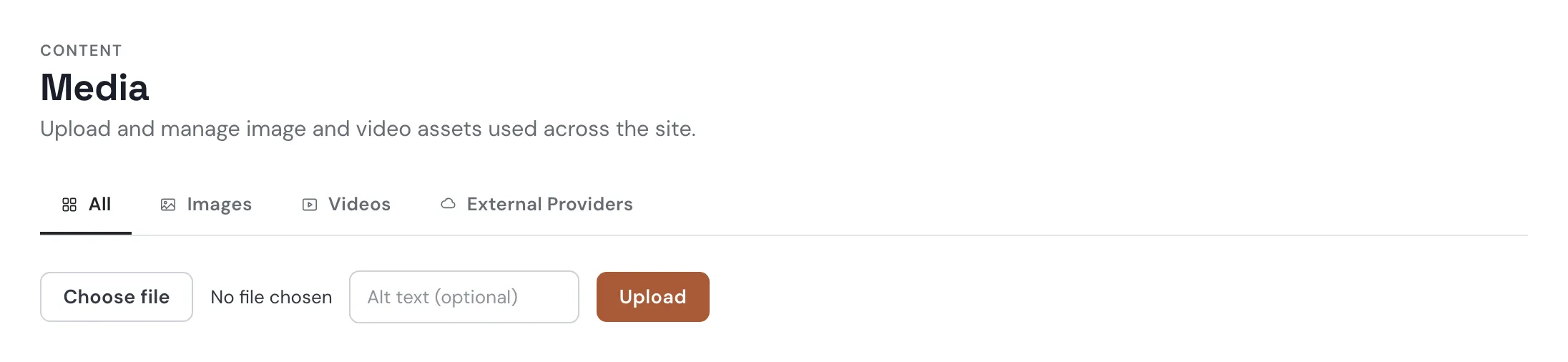
Media
Media is your site's library of images and videos. Upload once, use anywhere.
How media works
- Upload — JPEG, PNG, WebP, GIF, AVIF, MP4, or WebM, up to 50 MB.
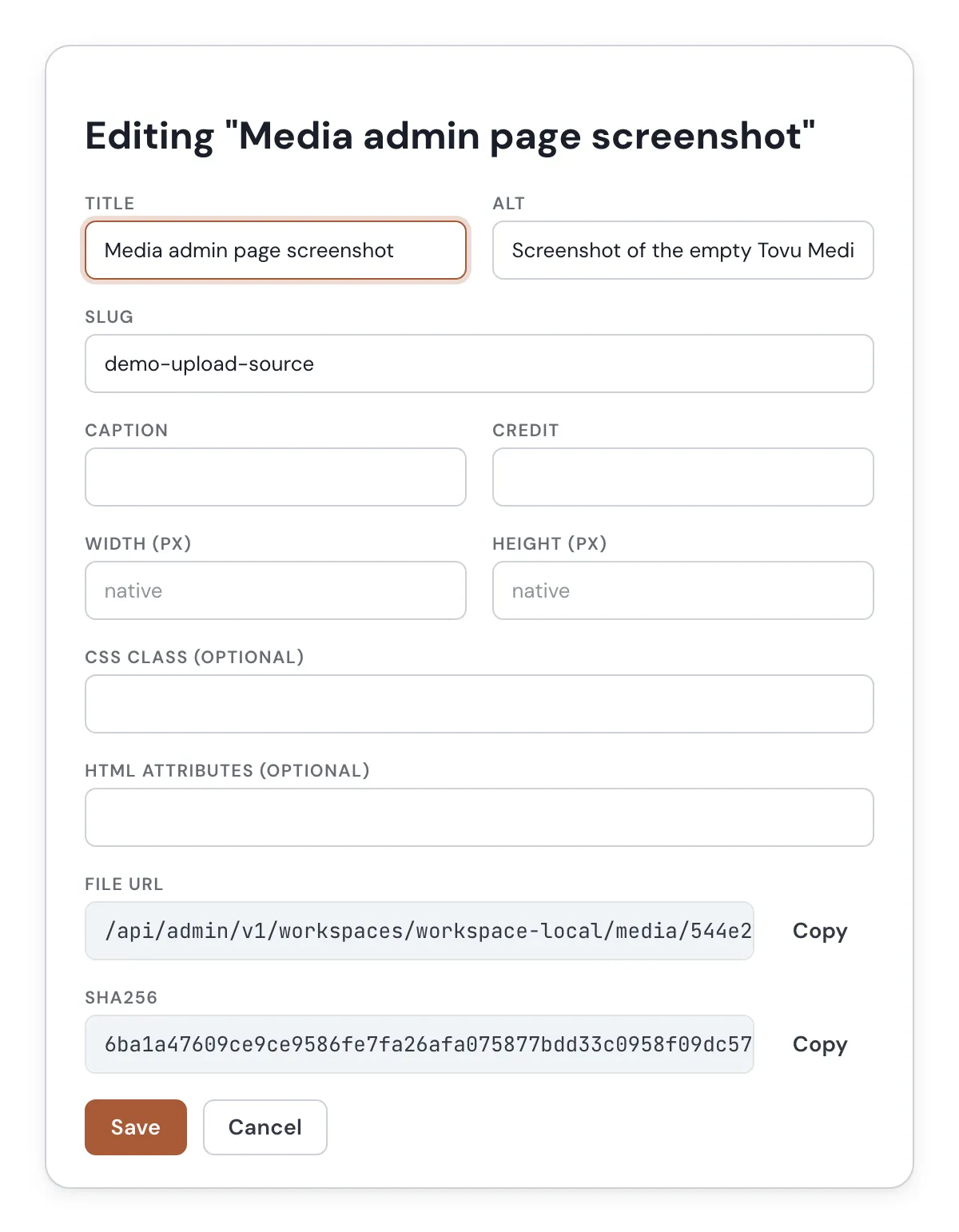
- Details — alt text, caption, credit, and width/height live on each file.
- Serving — images are converted to WebP automatically when they're served.
- Using it — insert a file from the post editor, or copy its URL and use it anywhere.
- External Providers — a separate tab for API keys to image- and video-generation services.
Uploading a file
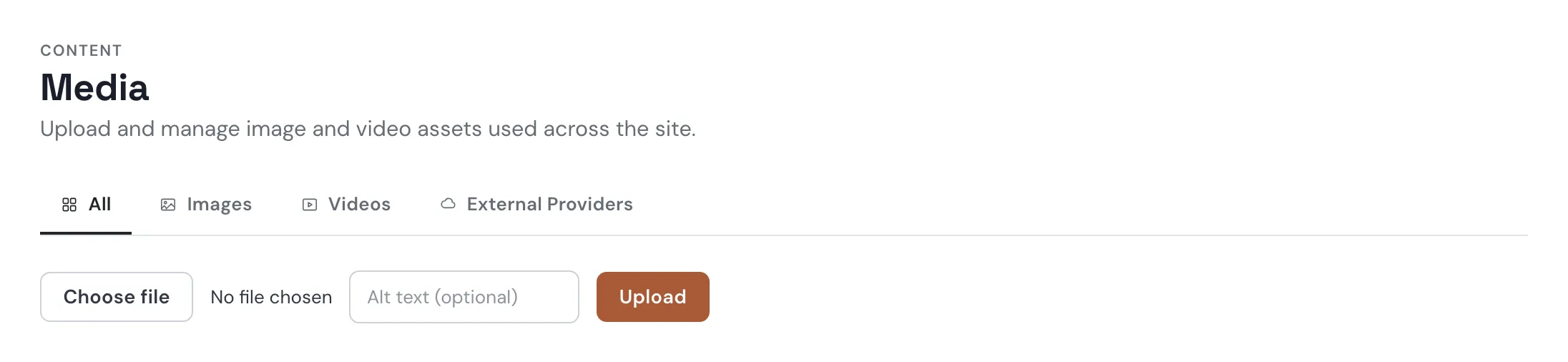
- Under Content → Media, click Choose file, pick a file, and add alt text.
- Click Upload. The file appears in the library.
- Use the tabs (All, Images, Videos, External Providers) and Order by to find files again.
Putting a file on a Page
On a Page written in HTML, add a marker — a tag with a data-embed-config attribute — naming the file by its slug (the short name shown in each file's details). Tovu swaps the marker for the image or video when the page is shown.
<div style="max-width:600px" data-embed-config='{"type":"media","slug":"red-fox-snowy-pine-forest-dawn"}'></div>That marker, live:

A video works the same way and gets a play button:
<div style="max-width:720px" preload="metadata" data-embed-config='{"type":"media","slug":"sure-lets-try-it"}'></div>Sitting in flowers, writing under a ringed planet.
See Embeds for every option.
Editing a file's details
Alt text describes the image for screen readers and search engines — write it like you're describing the picture to someone who can't see it.
Removing a file
Trash a file first — it moves out of the library but isn't gone. From Trash, Delete permanently removes it for good. This cannot be undone.
Every image and video on this page is served from this library.