
Tovu CMS: AI meets WordPress
A batteries-included content-management system your AI can run end-to-end. HTML pages, blog posts, Higgsfield videos, integrations and more, deployable anywhere from the desktop app.
Site made with Tovu Theme: Tovu Theme
The desktop app
Use the AI you already pay for.
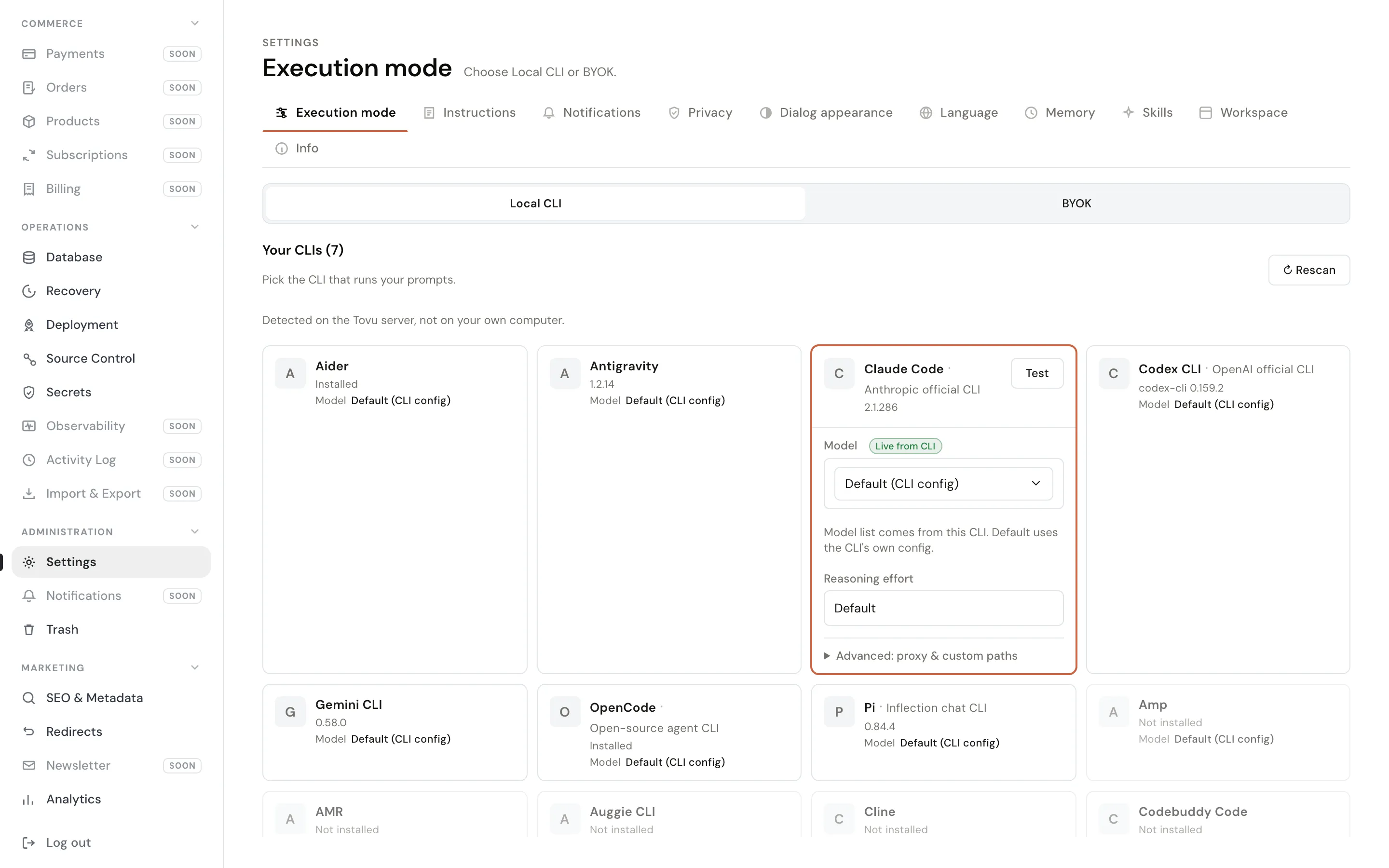
Tovu’s assistant doesn’t resell you tokens. It spawns the coding-agent CLI already installed on your machine as a real OS process and drives it — so it runs on the subscription and the credits you have today.
- 24 agent CLIs
- Claude Code, Codex CLI, OpenCode and 21 more, behind one shared registry. Pick the one you already use.
- Your machine, your keys
- The desktop app wraps one site — its admin and its public pages — locally. Runs stay on the box they started on.
- Or bring a key
- Anthropic, OpenAI, Azure OpenAI and Google keys are called in-process instead, if you’d rather not run a CLI.
The admin
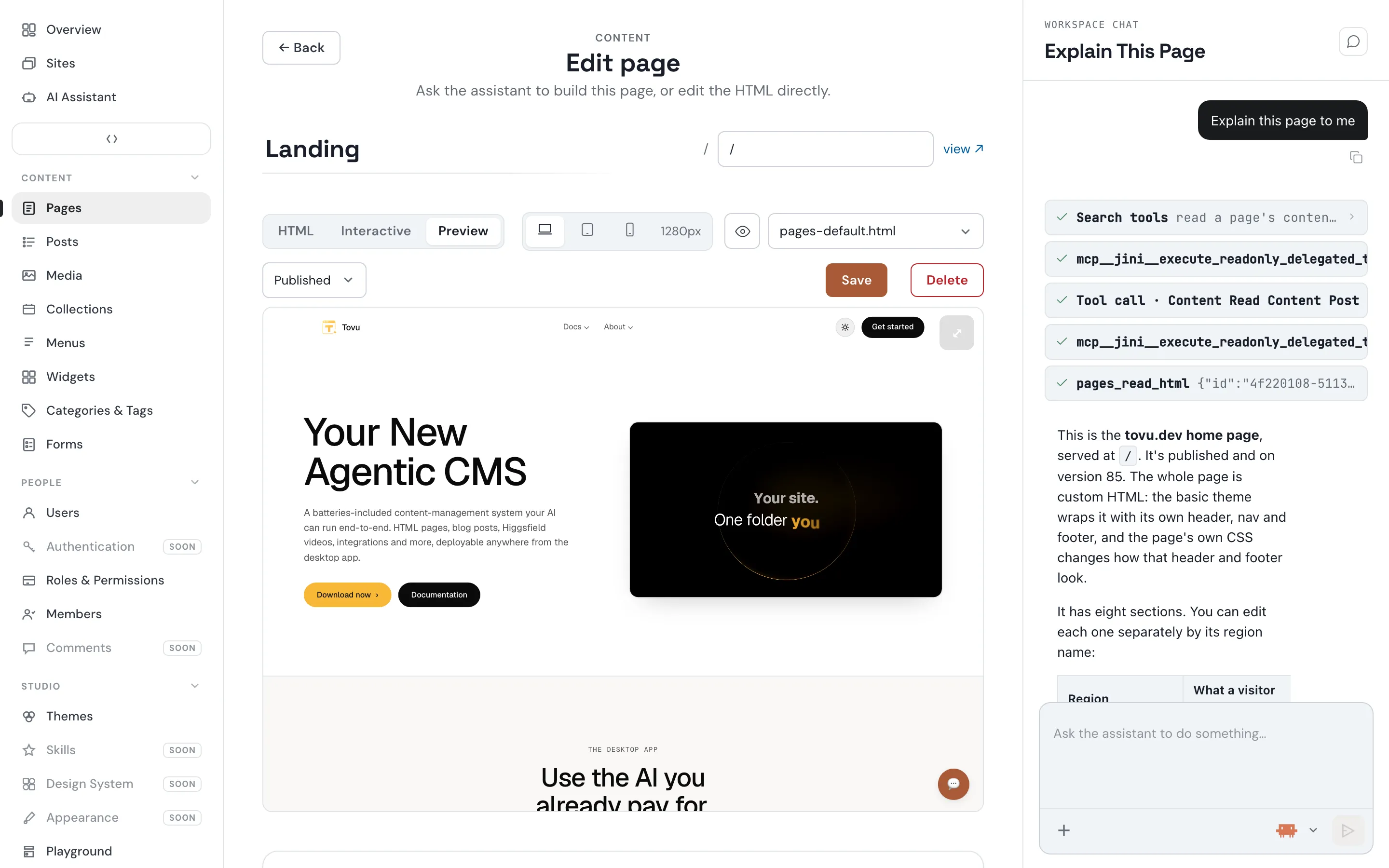
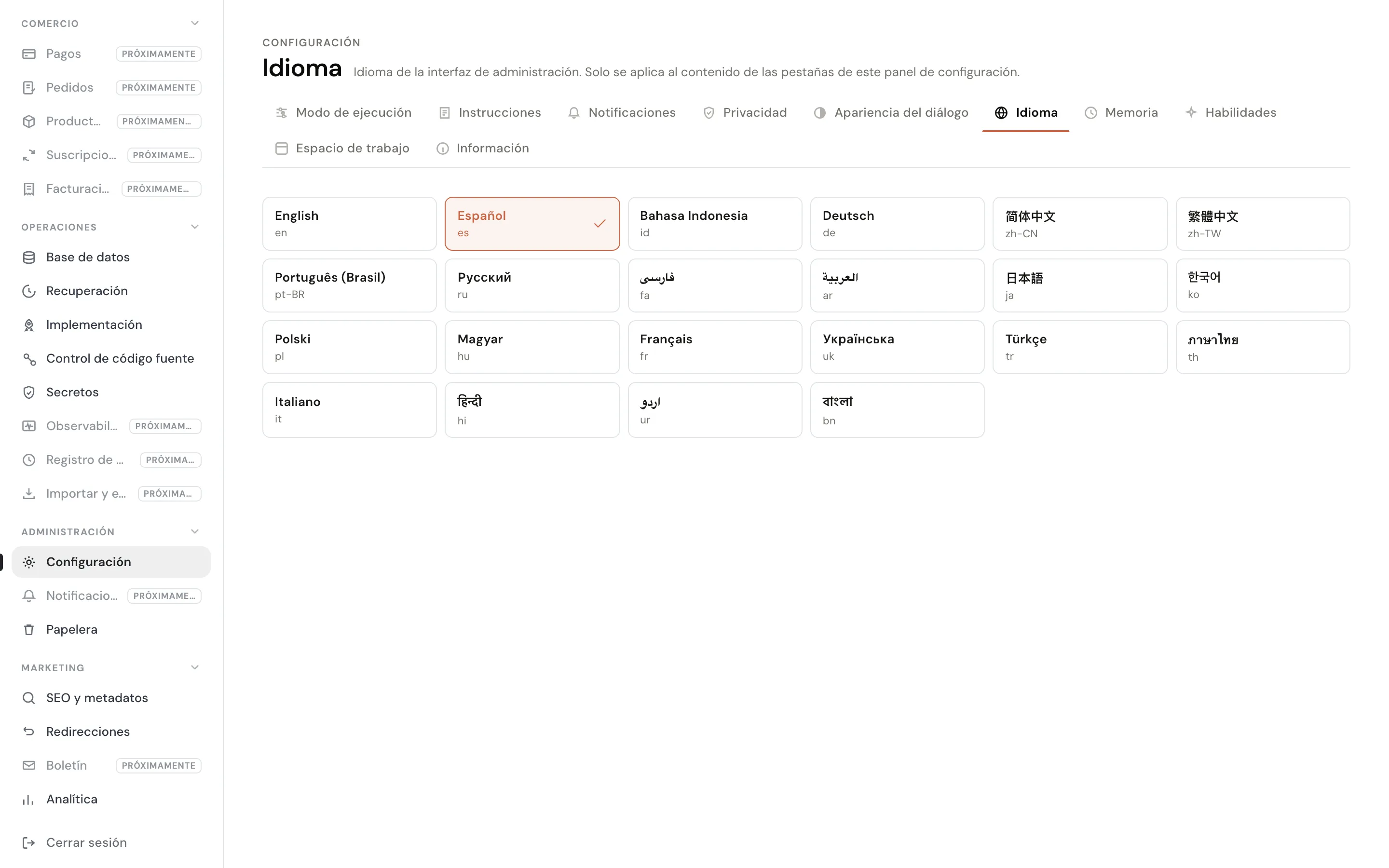
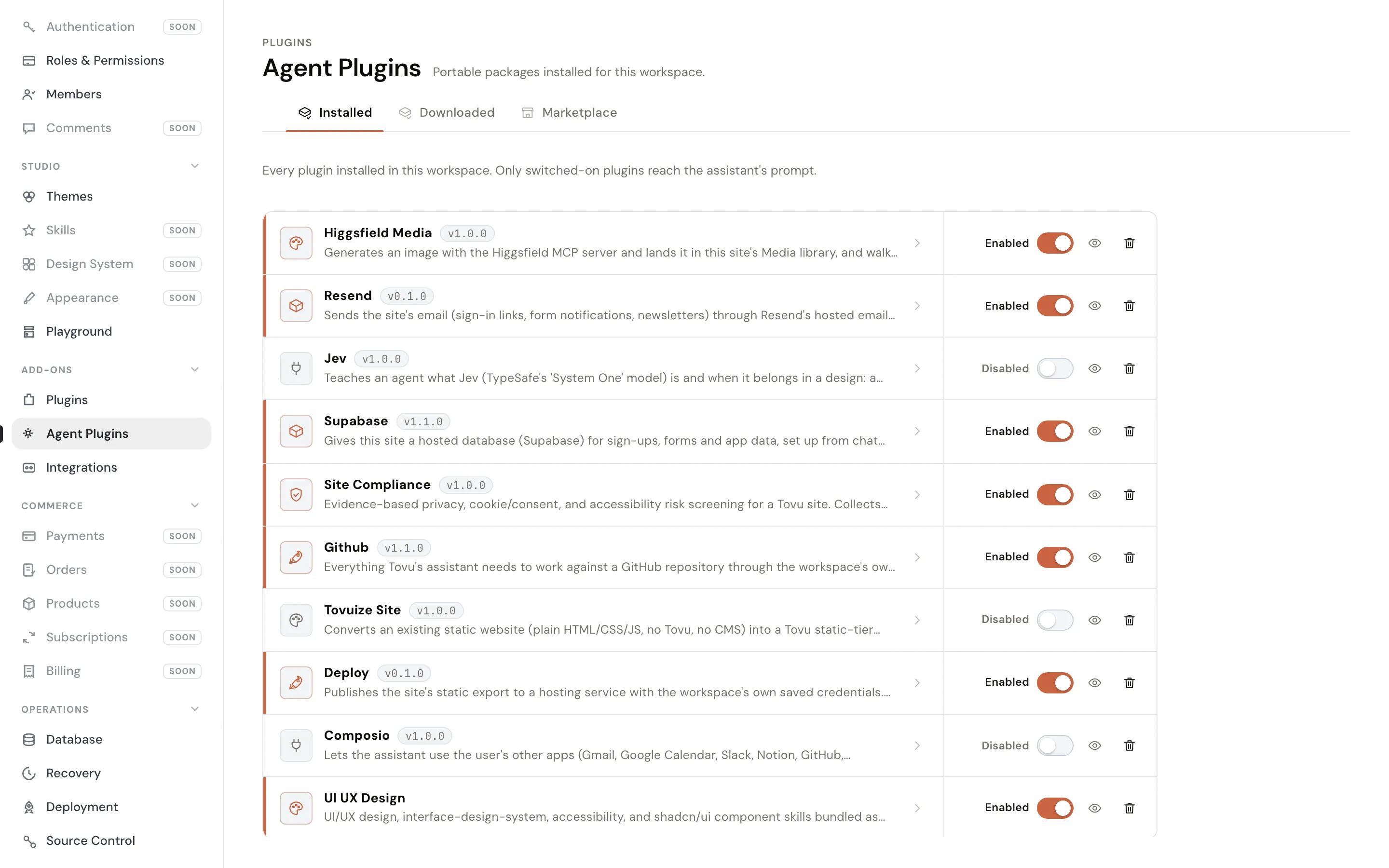
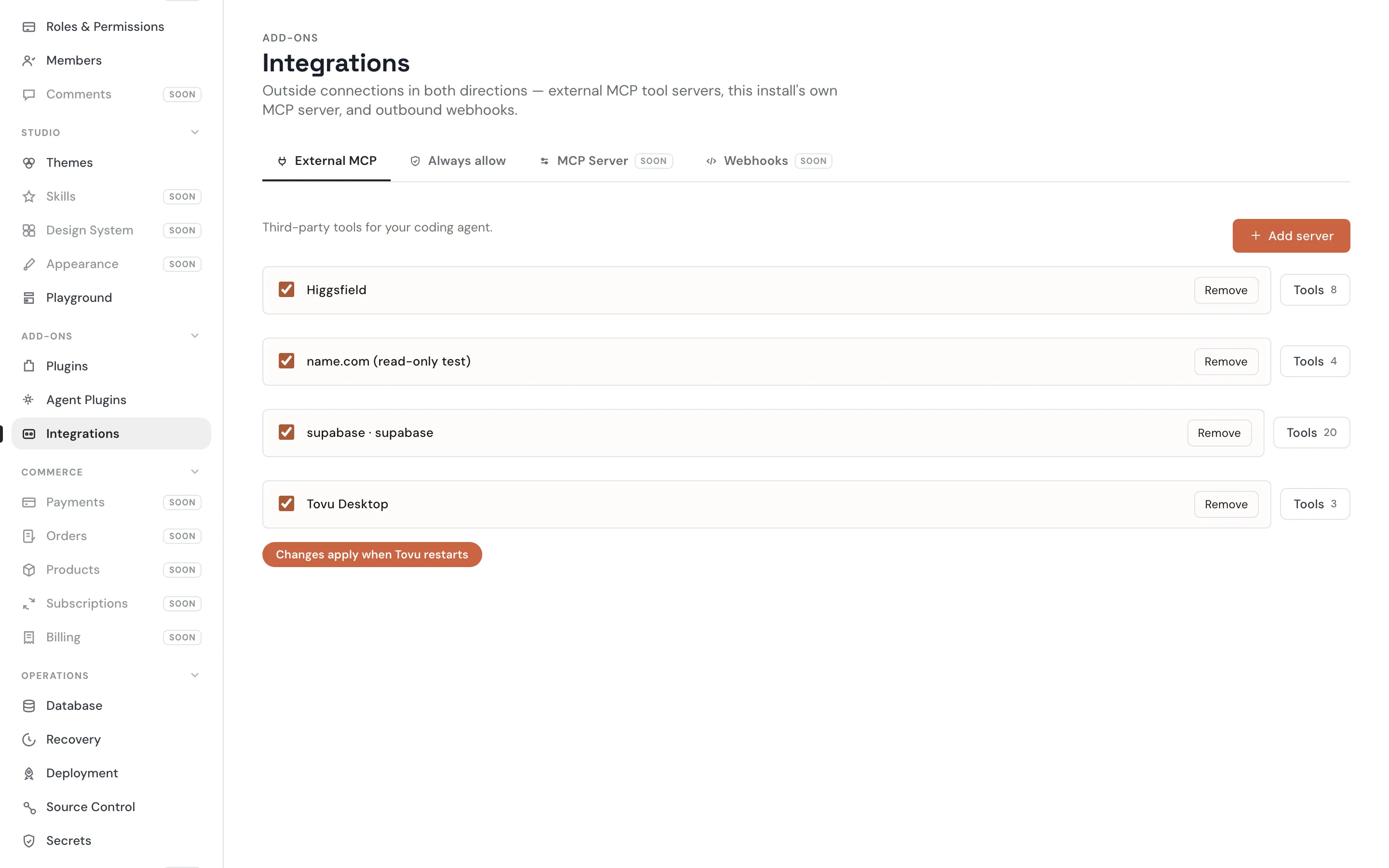
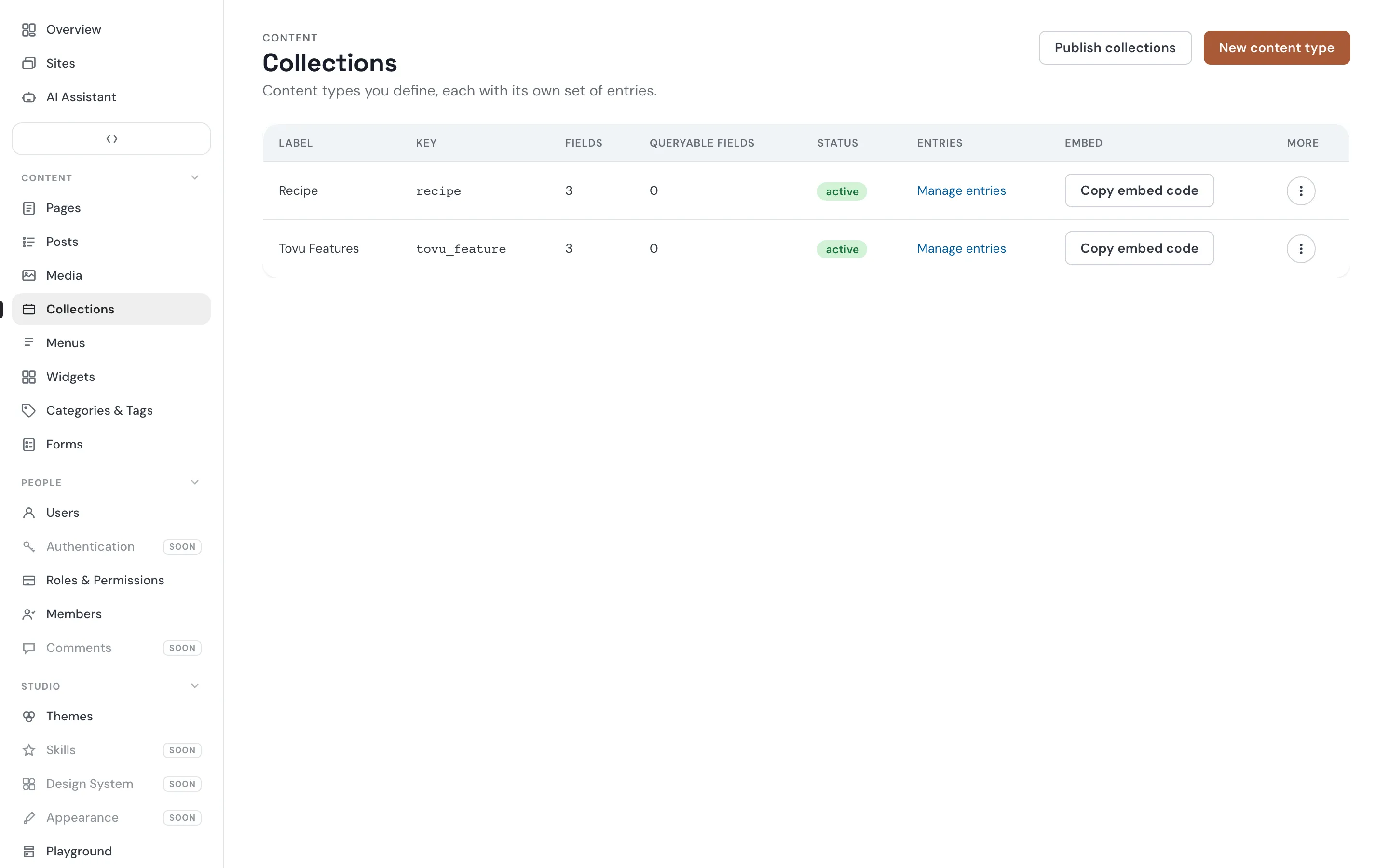
Every screen, one place.
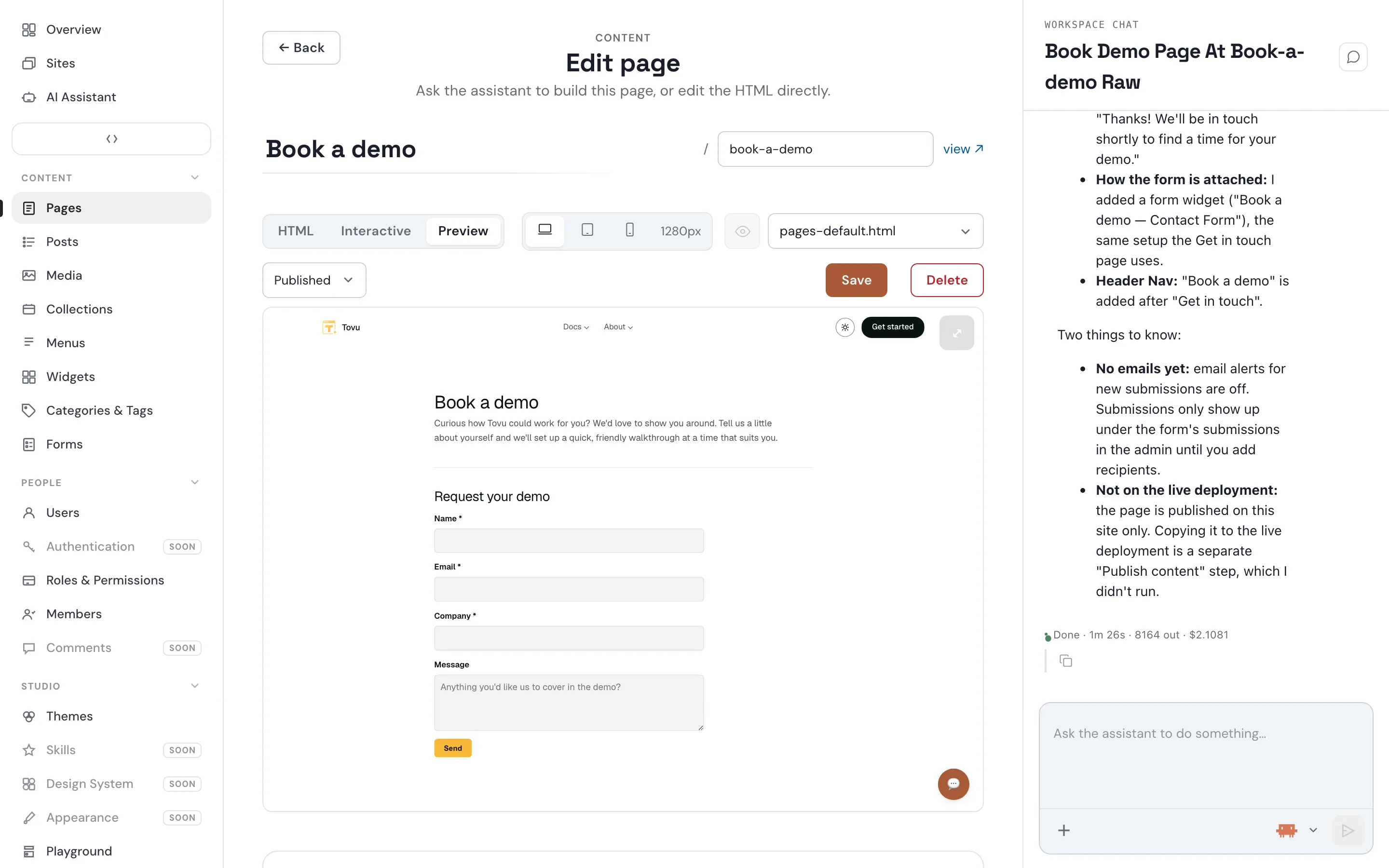
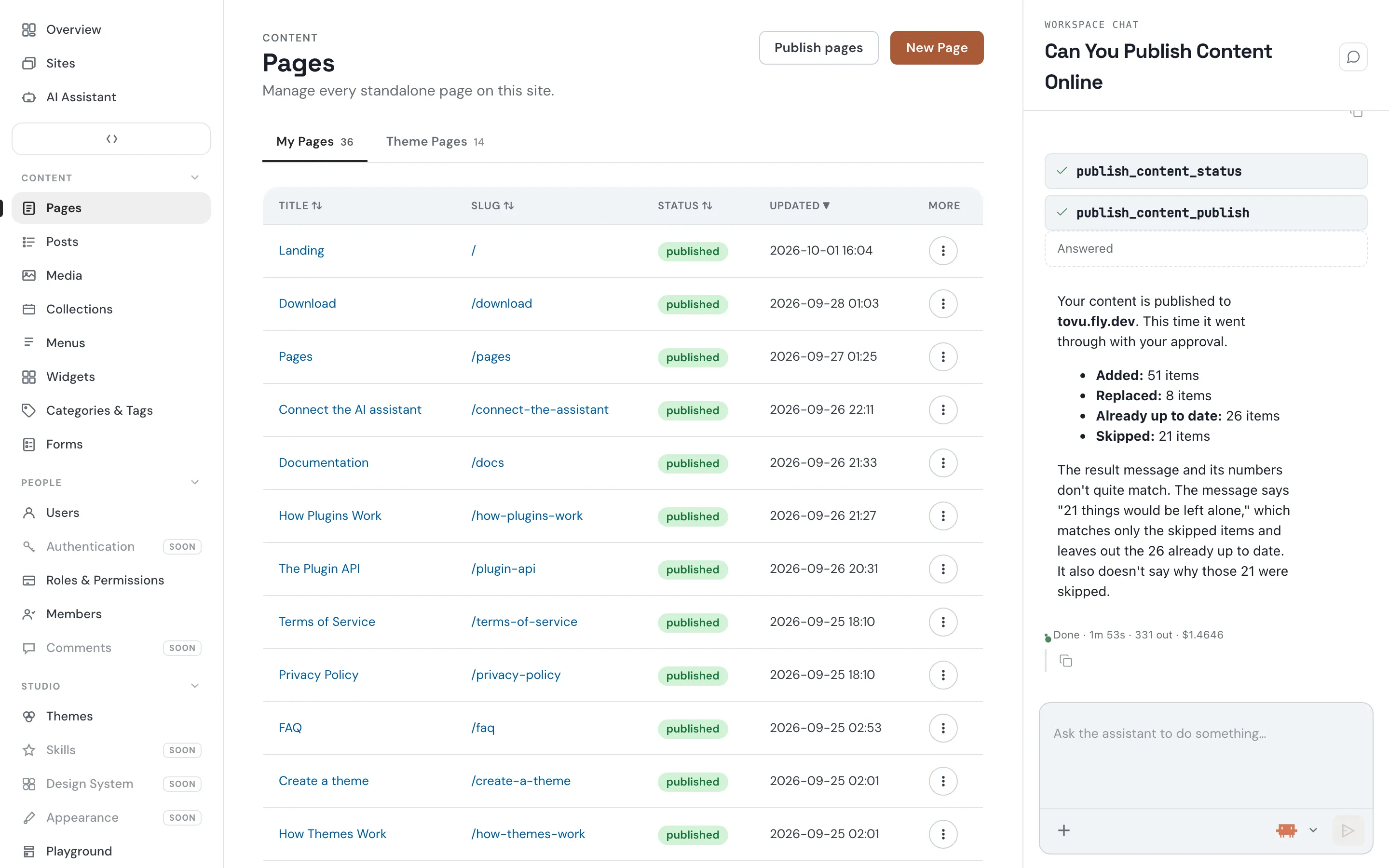
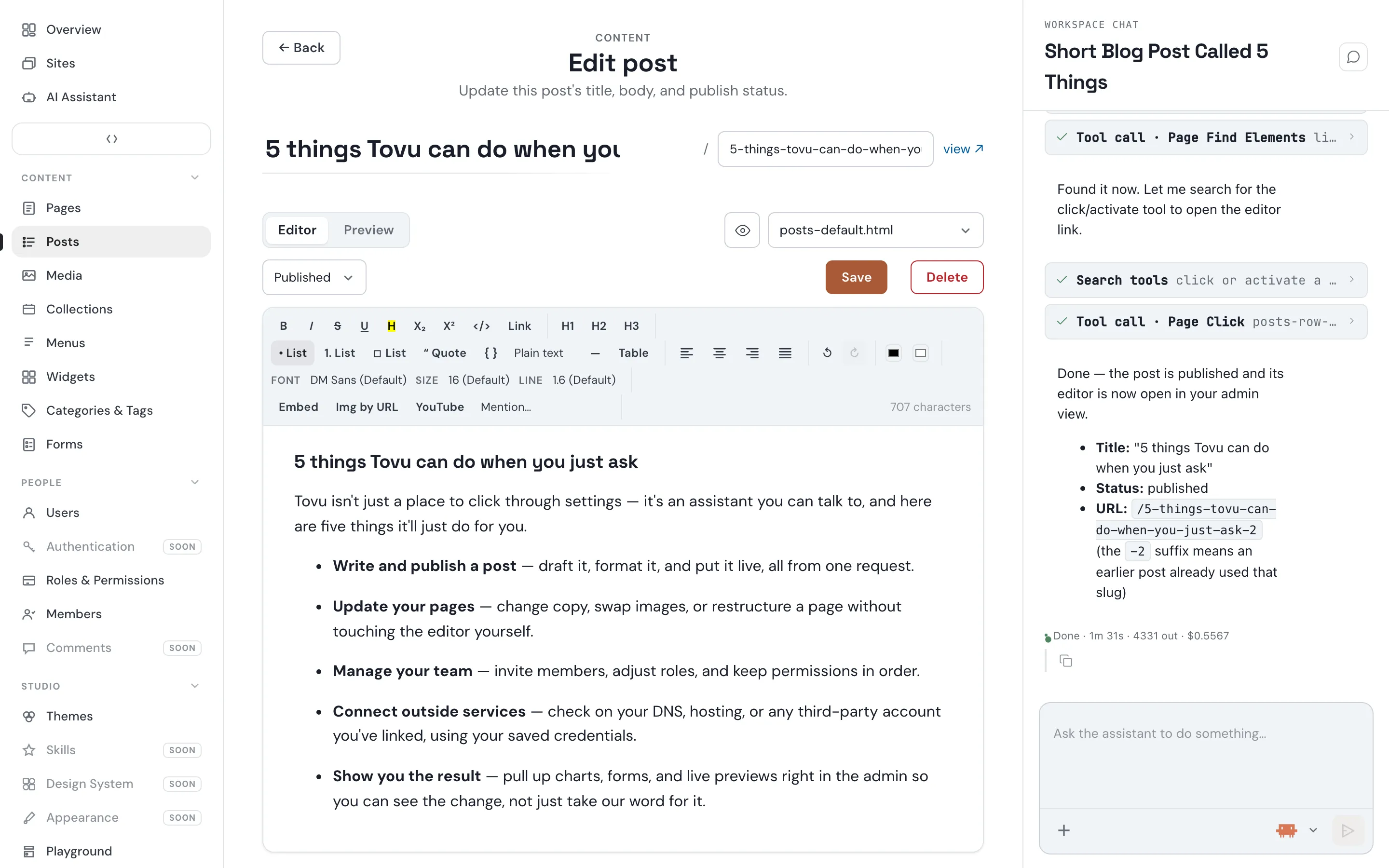
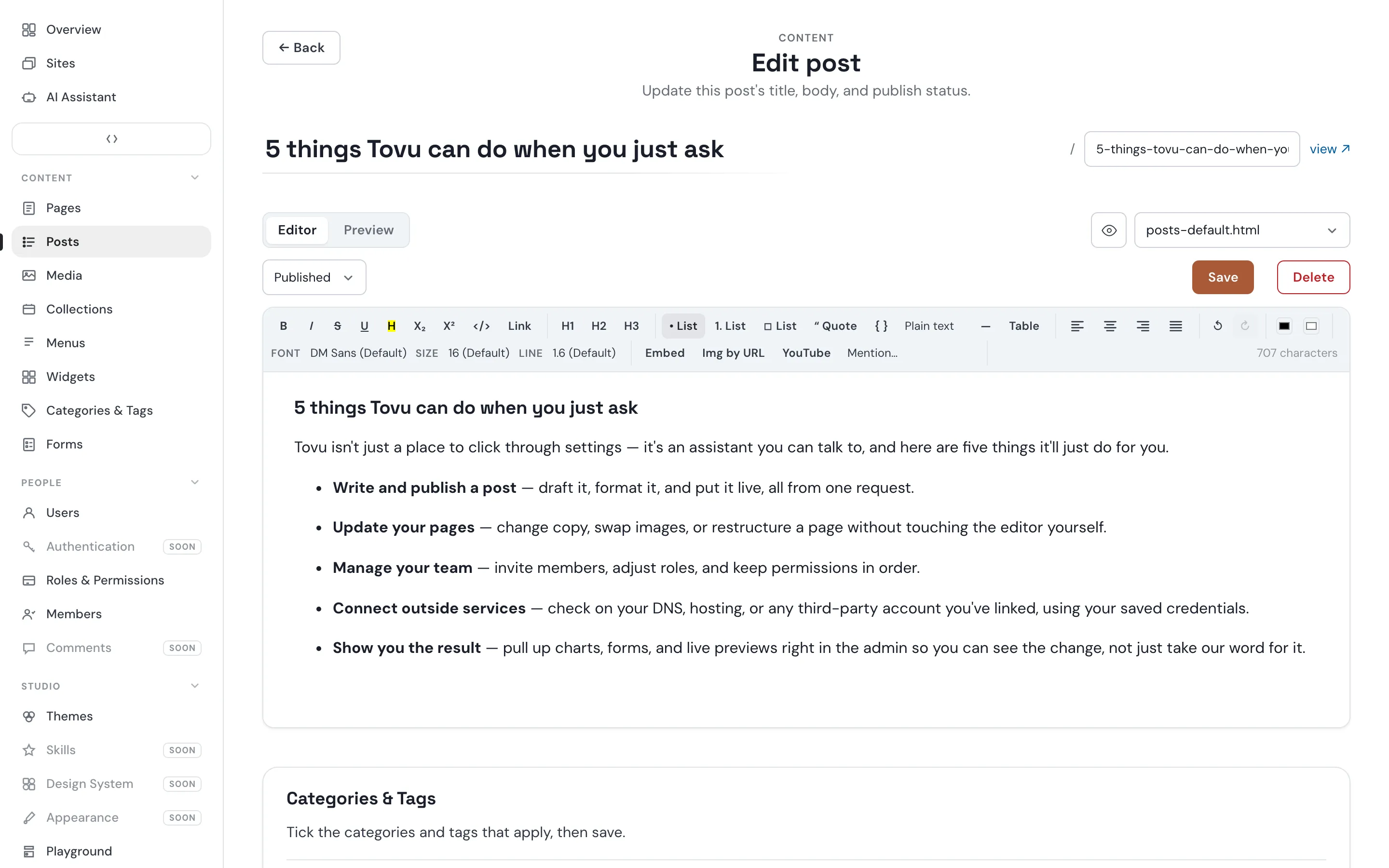
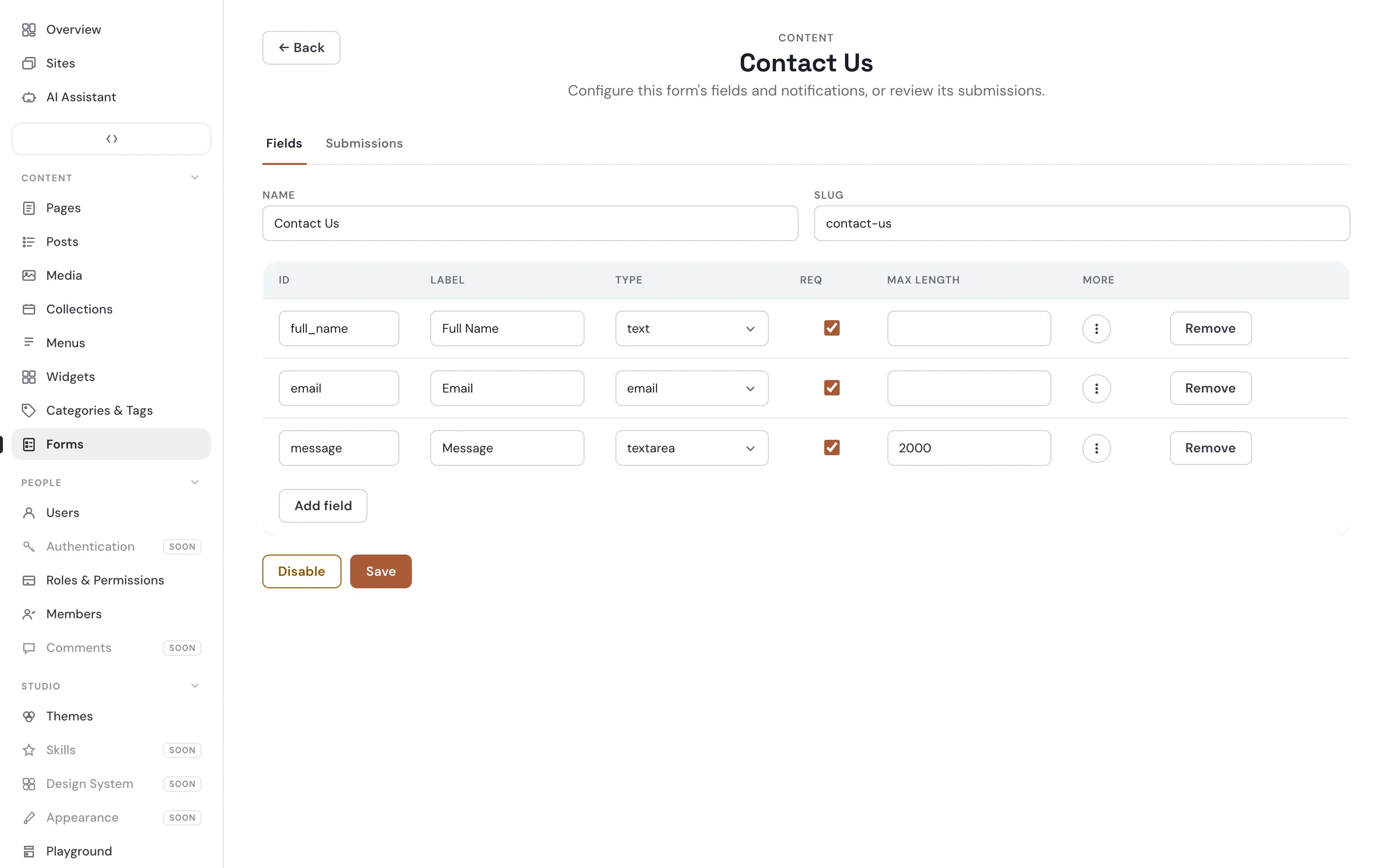
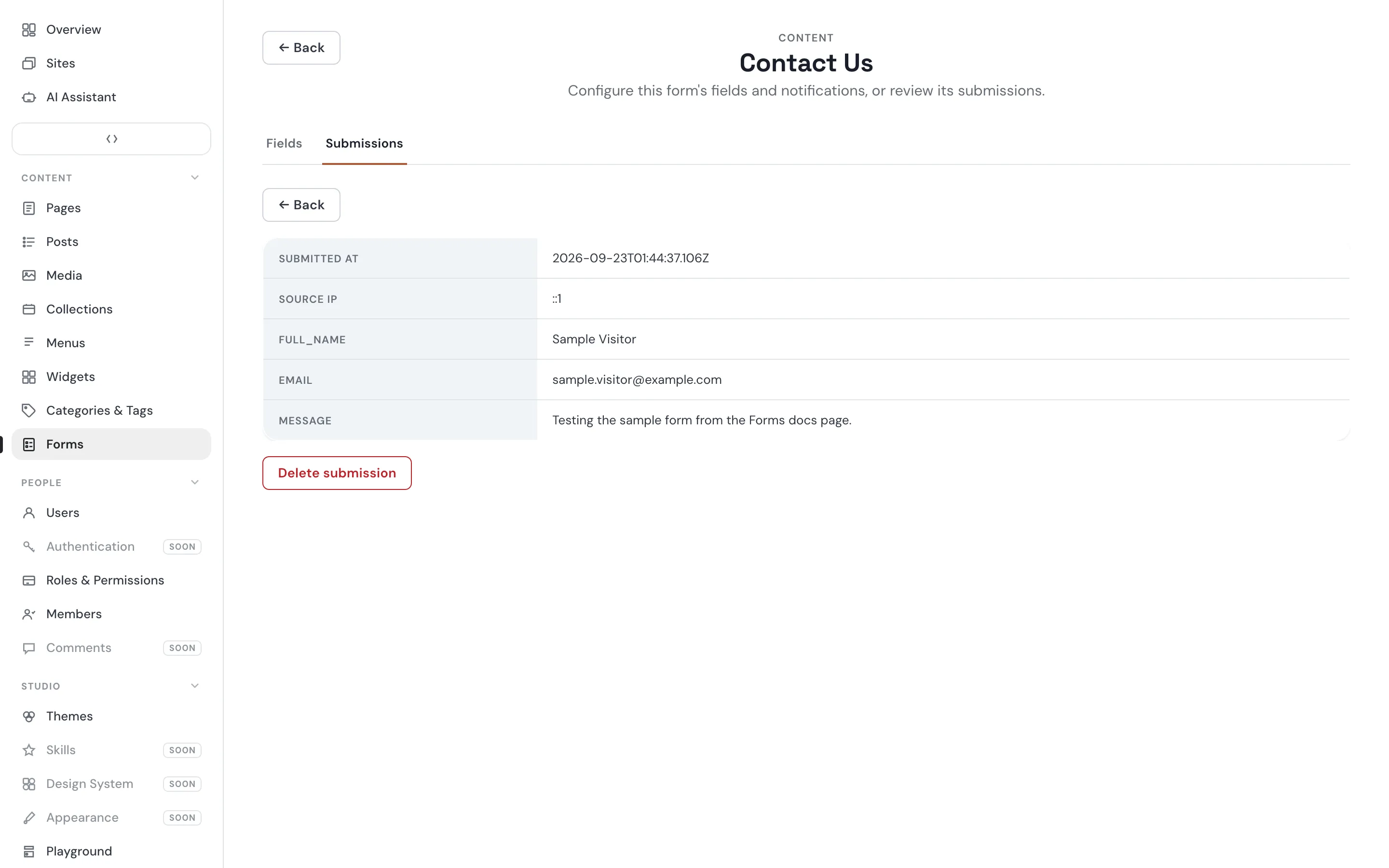
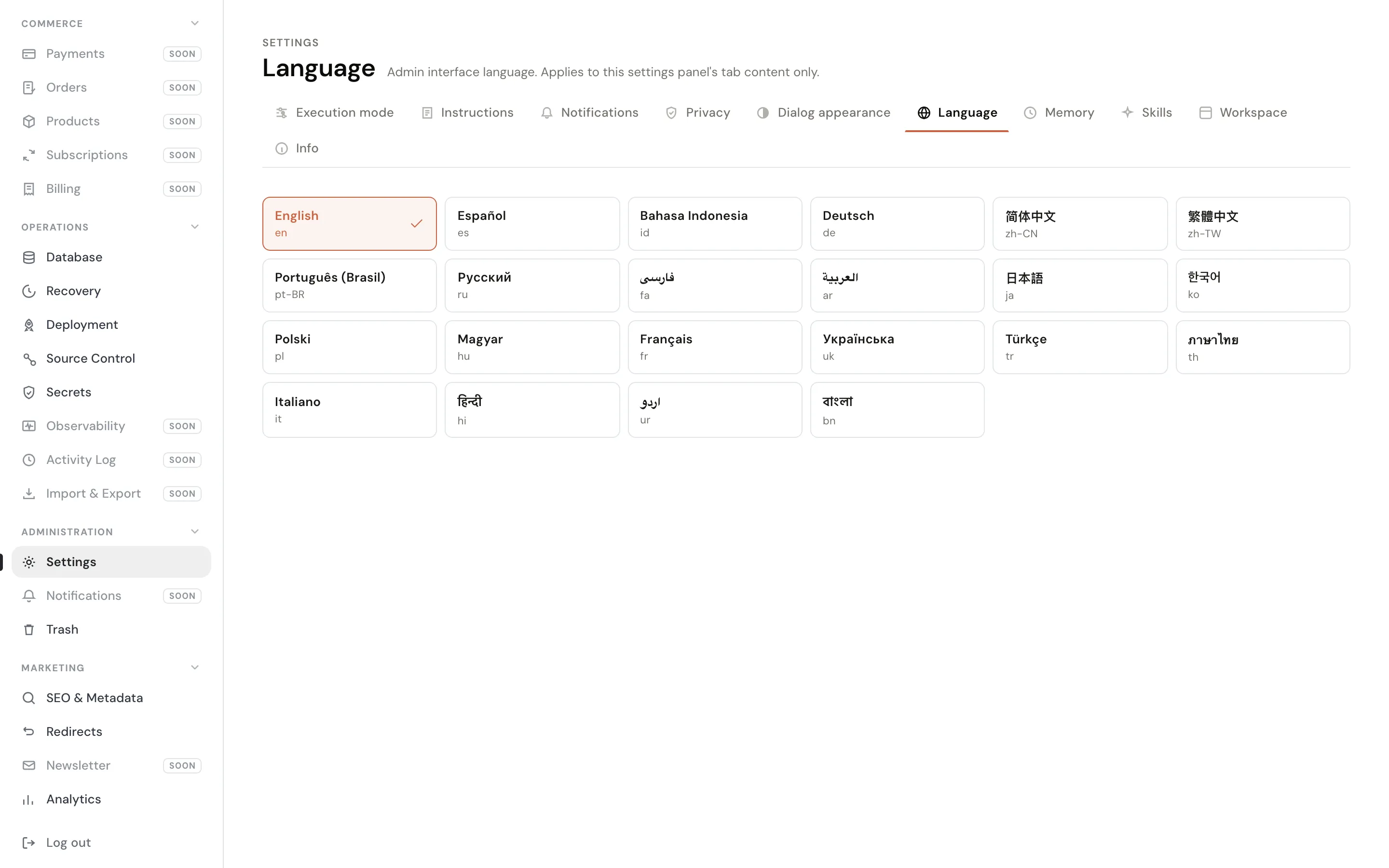
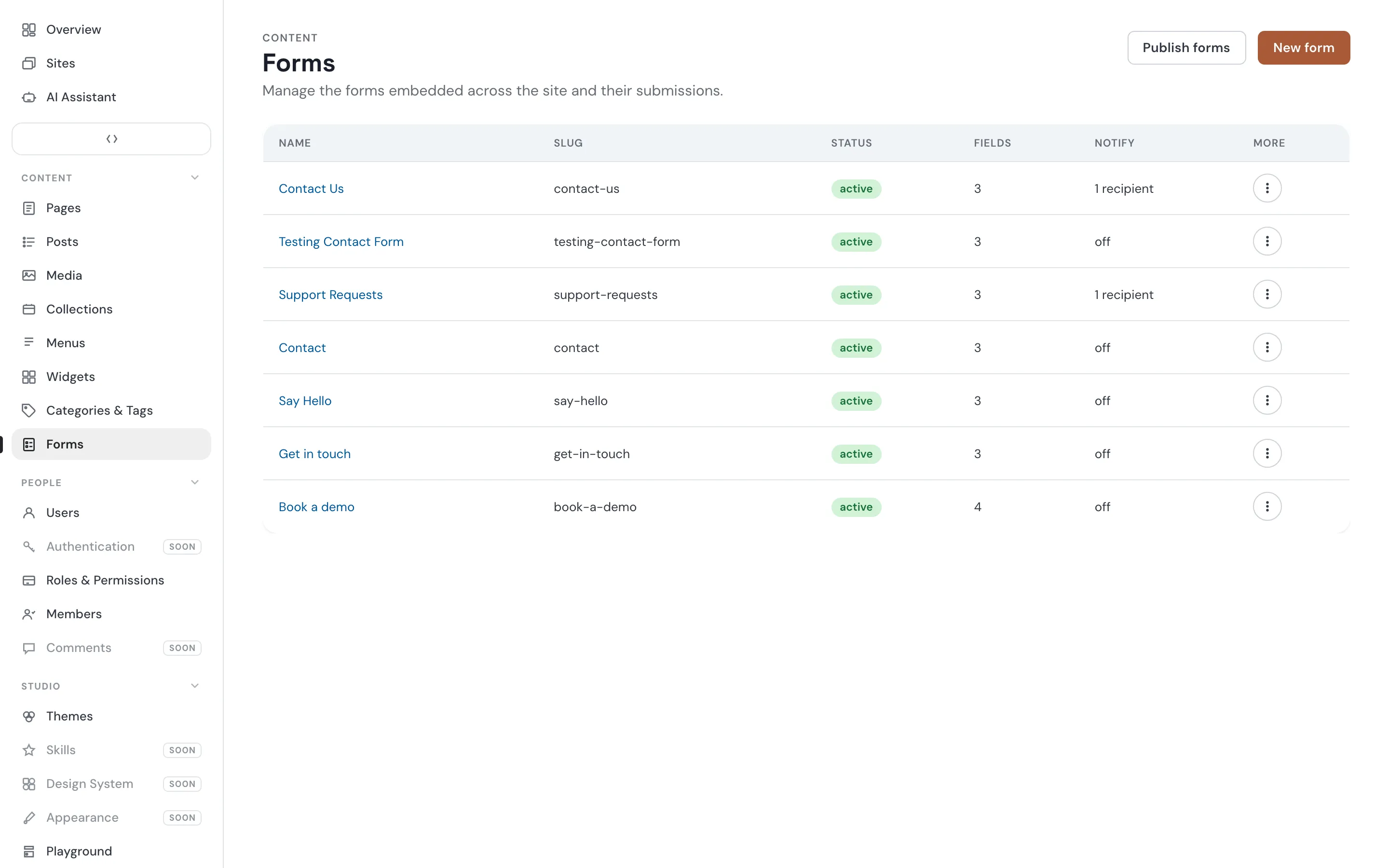
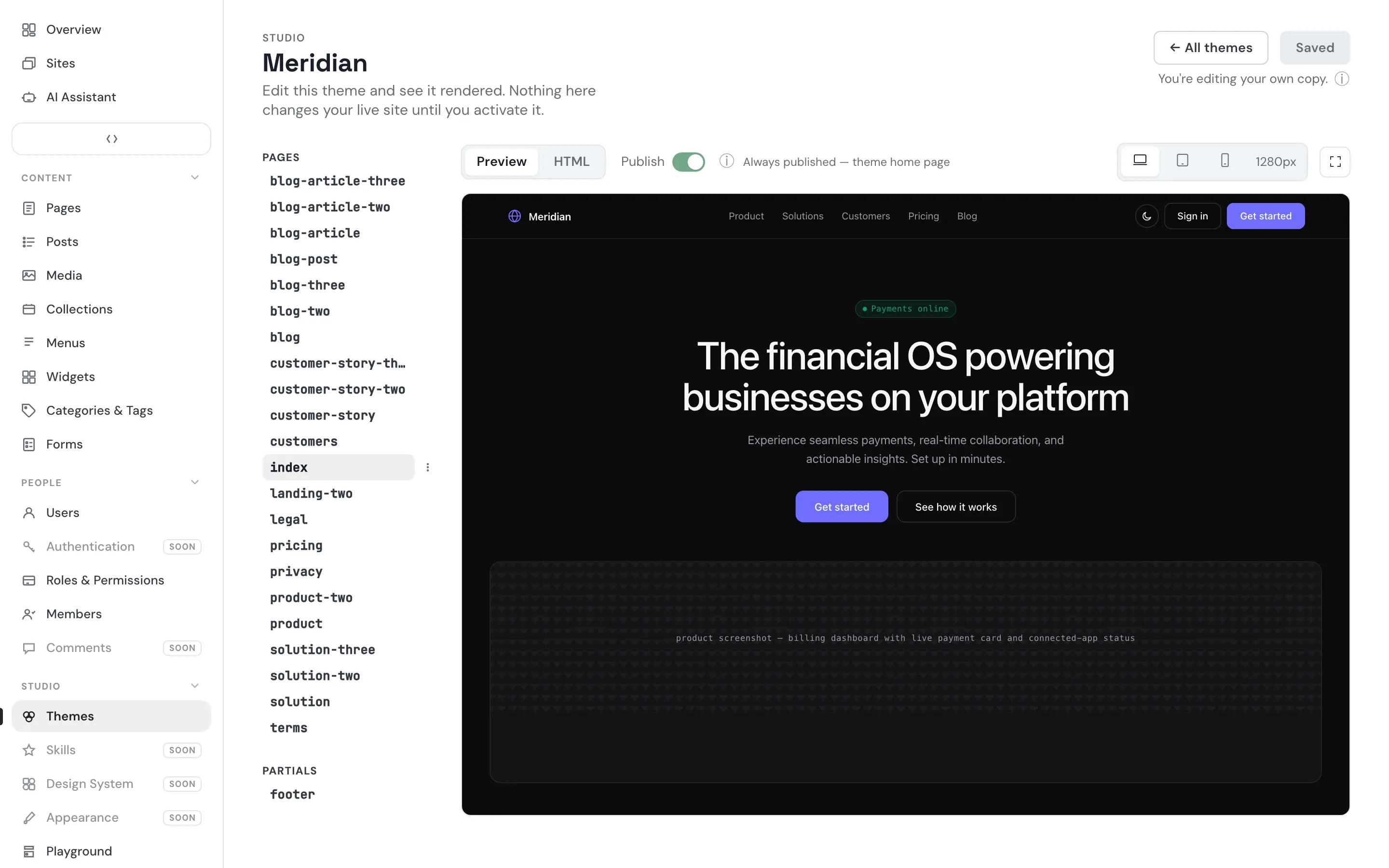
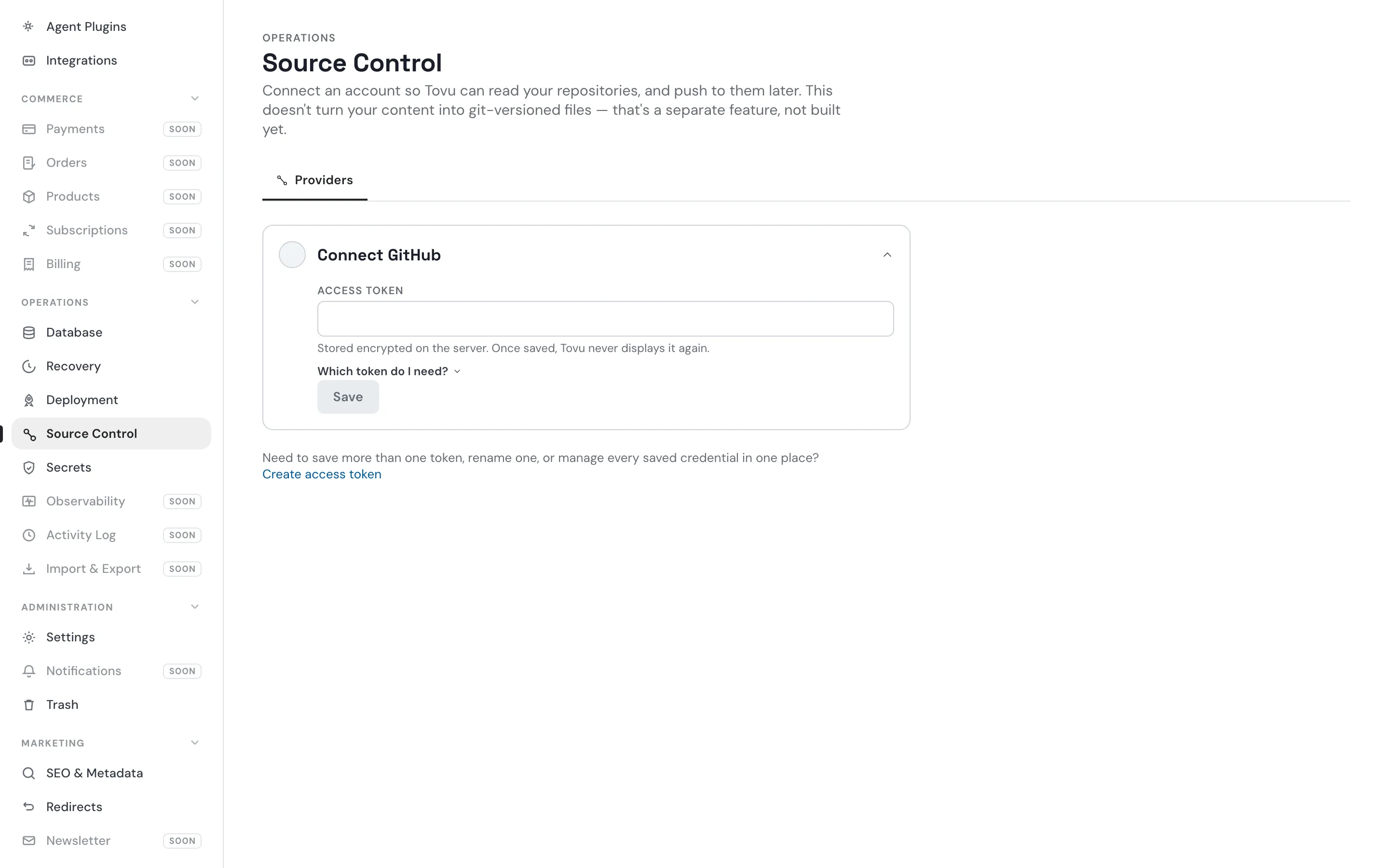
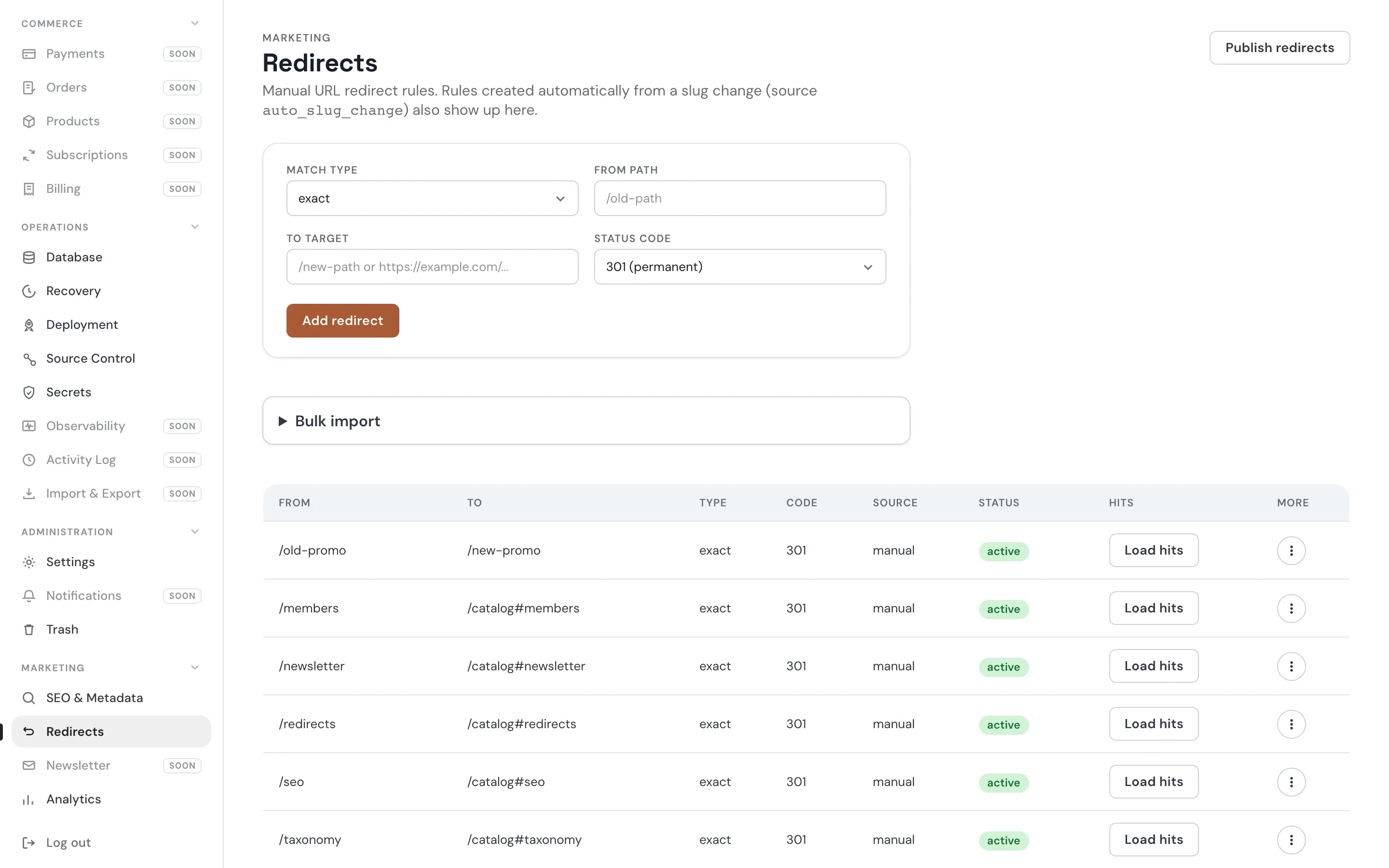
Pages, posts, forms, plugins and the assistant. Click any screen to open it.
Proof
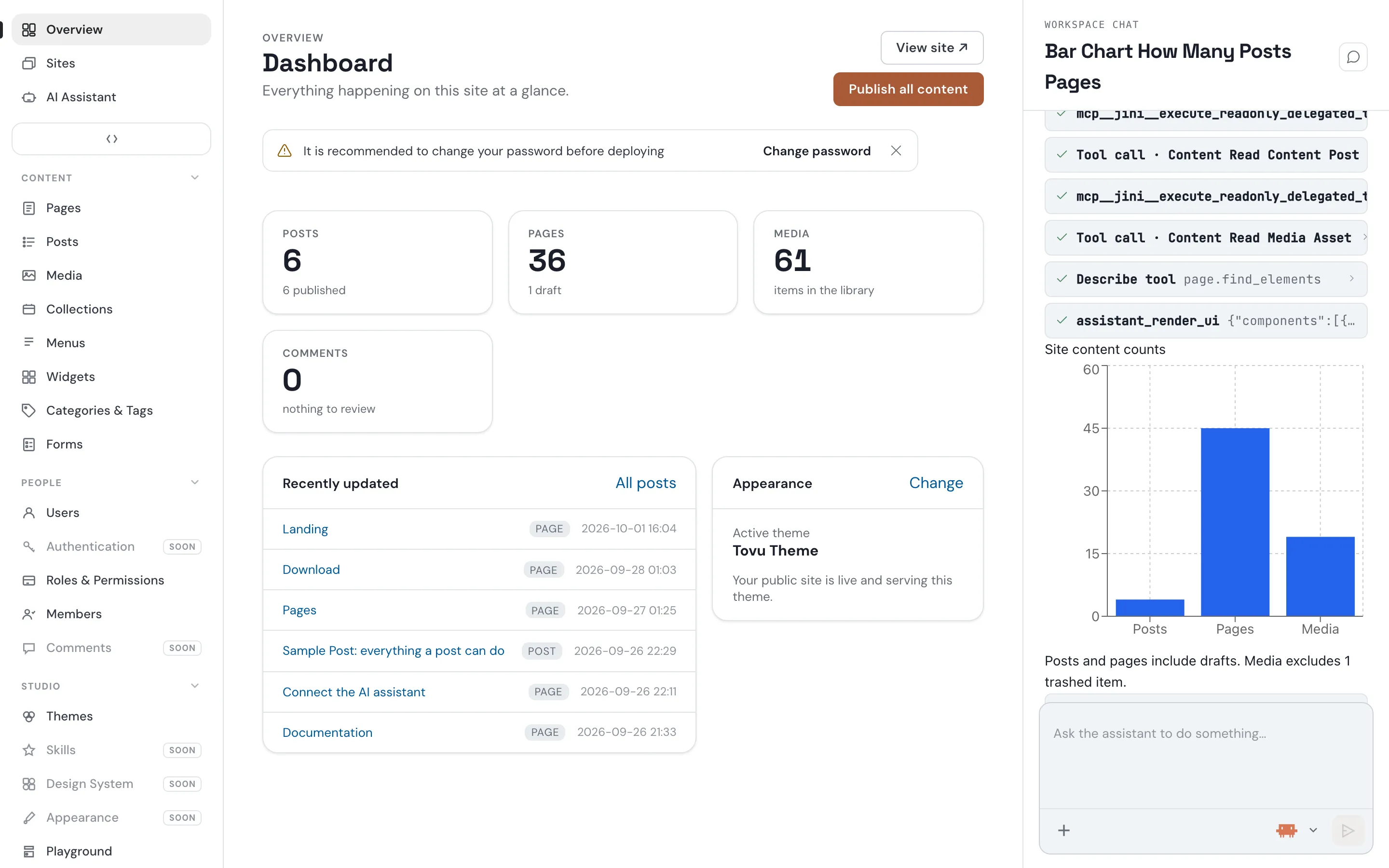
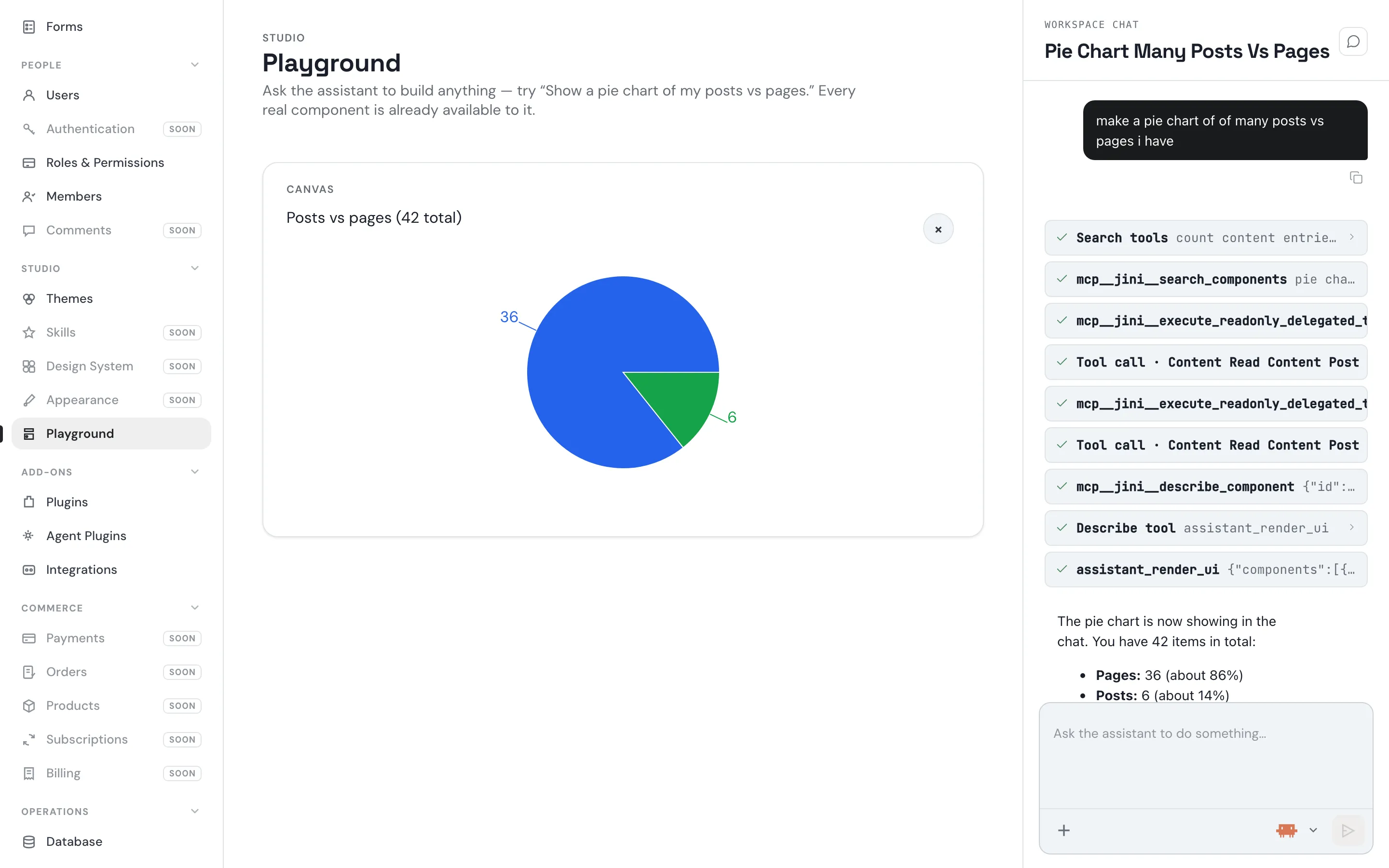
See it in action.
Real tasks, end to end: a sentence typed into the admin’s chat dock, the tools that actually ran, and the result.
No lock-in
It’s your folder.
Installing creates one folder per site: the database, the uploaded files, the themes and the plugins.
- my-site/
- content.db ← content & settings
- chat.db ← AI chats
- uploads/
- themes/
- basic/
- plugins/
- agent-plugins/
- skills/
- Plain SQLite files per site. No separate database server to operate, patch, or pay for.
- No signup and no hosted account, ever, to run the software itself.
- chat.db keeps every AI conversation in its own file, separate from your site’s content and settings.
- Restore points with a guided, reversible restore — not a “hope the last export still works” scramble.
The tool surface
What it can be asked to do.
Eighteen areas, roughly 180 typed tools — each one defined next to the admin screen it backs.
- Pages
Structure, templates and routing.
- Posts
Drafts, publishing and search.
- Media
Uploads and generated assets.
- Themes
Install, switch, edit files.
- Forms
Definitions, fields and submissions.
- Members
Accounts, roles and access.
- Database
SQLite now, any db later.
- Comments
Threads and moderation.
- Taxonomy
Categories, tags and terms.
- Widgets
Blocks, regions and embeds.
- Redirects
Rules, status codes and hit counts.
- SEO
Metadata, overrides and sitemaps.
- Deployments
Builds and static export.
- Webhooks
Outbound event delivery.
- External MCP
Third-party tool servers.
- Credentials
Stored secrets, sealed at rest.
- Recovery
Restore points and rollback.
- Plugins
Bundled and installed extensions.
Agent plugins & external MCP
Connect any vendor’s tools.
Four ship today
-
GitHub
Commits, Actions runs and logs, through the workspace’s own saved credential.
-
Supabase
Schema, SQL and docs through Supabase’s own hosted MCP server. OAuth, read-only by default.
-
Higgsfield
AI image and video generation, OAuth-connected to the vendor’s MCP server. Bundled, not an add-on to go find.
-
Fly.io
Deployment, on Tovu’s native tools plus a bundled skill file.
Look closer
Four ways to build a front end.
A theme declares its tier; the renderer picks the engine. Browse, preview, install and activate are real today, working against Tovu’s own built-in catalog.
-
Static
html + css + js- Full client-side JS allowed.
- Every byte is what ships.
- Most control, least platform help.
-
Templated
liquidjs- Loops, conditionals and partials.
- Sandboxed — no server-side JS.
- One layout, reused across pages.
-
Handlebars
handlebars- The same idea, in a syntax you may know.
- Sandboxed — no server-side JS.
- A drop-in if your team is already on it.
-
Declarative
json block trees- No template language, no scripts.
- Pure data an agent can edit safely.
- The most restrictive tier, and the most guarded.
Coming soon.
-
Theme marketplace
- Outside authors publish; you install beyond the built-in catalog.
- Browse, preview, install and activate already work today.
- The catalog behind them is first-party only.
-
Plugin marketplace
- The same, for plugins.
- Install, enable, disable and auto-quarantine all work today.
- First-party plugins, plus a sample storefront on the same SDK.
-
Agent-plugin marketplace
- Six agent plugins ship bundled, two of them over open MCP.
- A place for outside authors to publish more.
- No submission pipeline or remote index behind it yet.
The awkward questions.
- “Doesn’t every WordPress site eventually break from a plugin update?”
-
- Install, enable and disable run through a typed runtime.
- A plugin that misbehaves is quarantined automatically, not left to corrupt the site quietly.
- No plugin gets raw database schema access — core’s data and other plugins’ data are out of reach.
- “Can I trust running other people’s code with full access to my site?”
-
- No plugin gets arbitrary code execution.
- Every one acts through the same permissioned, typed capability surface the admin uses.
- It can’t silently gain more access than it was granted.
- “Isn’t patching a CMS, its plugins and its database server a part-time job?”
-
- No separate database server to patch or expose.
- One process, one SQLite file.
- Restore points make a bad update a rollback, not an incident.
- “Doesn’t hosting a real CMS get expensive fast?”
-
- No managed database and no paid platform required.
- Runs anywhere that runs Node.
- Or export to static files and publish free to GitHub Pages, Netlify, Vercel, Cloudflare Pages or your own bucket.
- “Isn’t migrating off a CMS always worse than promised?”
-
- Static export and one-shot publish are built in, to five target types.
- Continuous deployment when you connect to GitHub.
- Direct git commits of the site’s own content — the same path on day one and on the way out.
- “Am I locked into your hosting or your account system?”
-
- No Tovu account. No hosted service.
- Every site is a folder you own, on infrastructure you choose.
- “Do I need an API key for the AI features?”
-
- Not to run the site.
- The admin assistant runs a local coding-agent process by default.
- Hosted keys are supported instead: Anthropic, OpenAI, Azure OpenAI, Google.
- “Which database — can I use Postgres?”
-
- SQLite, one file per site, today.
- Any database with MCP capabilities.