
Collections
Collections are for content that repeats with the same shape — many items, all with the same fields. Posts and pages are free-form writing; a collection is closer to a spreadsheet, one row per item.
What they look like
- Team members — name, role, photo, bio.
- Events — title, date, location, ticket link.
- Products or menu items — name, price, vegetarian yes/no, photo.
- Also common: testimonials, FAQ entries, job openings, portfolio projects, store locations.
What they're good for
- Editing without touching layout — add or change an entry and the design stays put.
- Consistency — the tenth item looks like the first, and a required field can't be skipped.
- One source, many places — the same entries can be embedded wherever you need them.
- Sorting and filtering — query by typed fields, like "upcoming events" or "vegetarian under $15."
- Precise updates — the assistant can add, edit, or publish entries exactly, field by field.
Tovu's own feature list is a collection
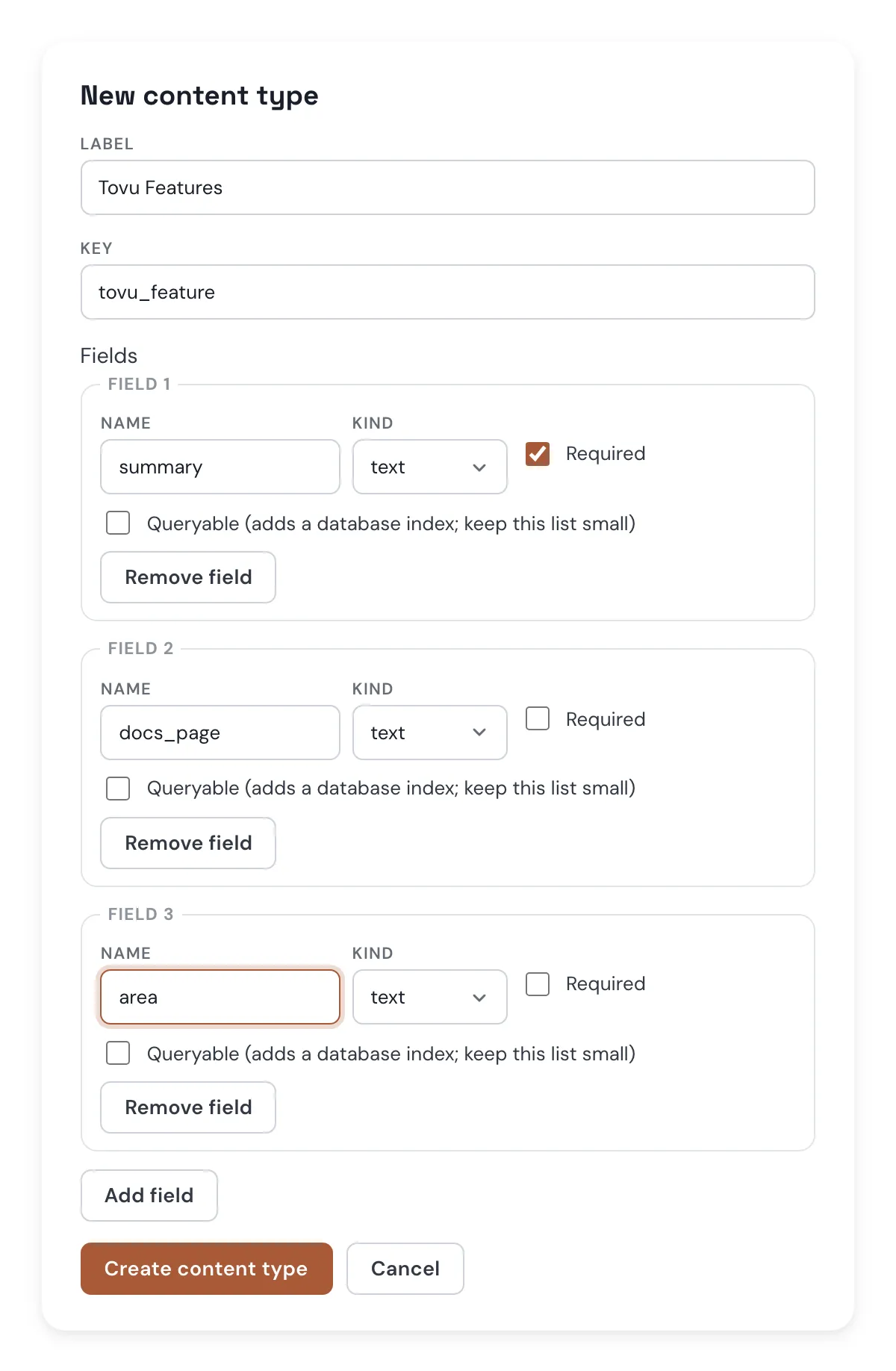
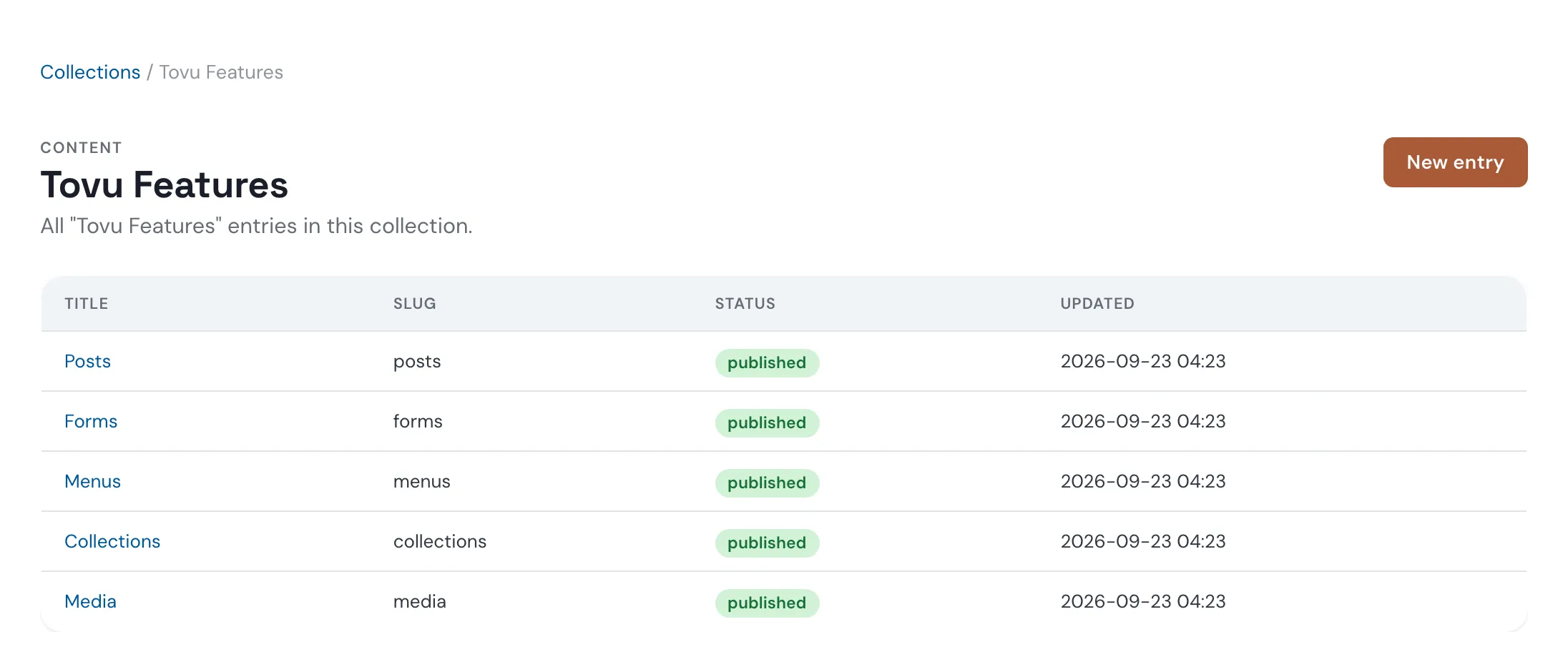
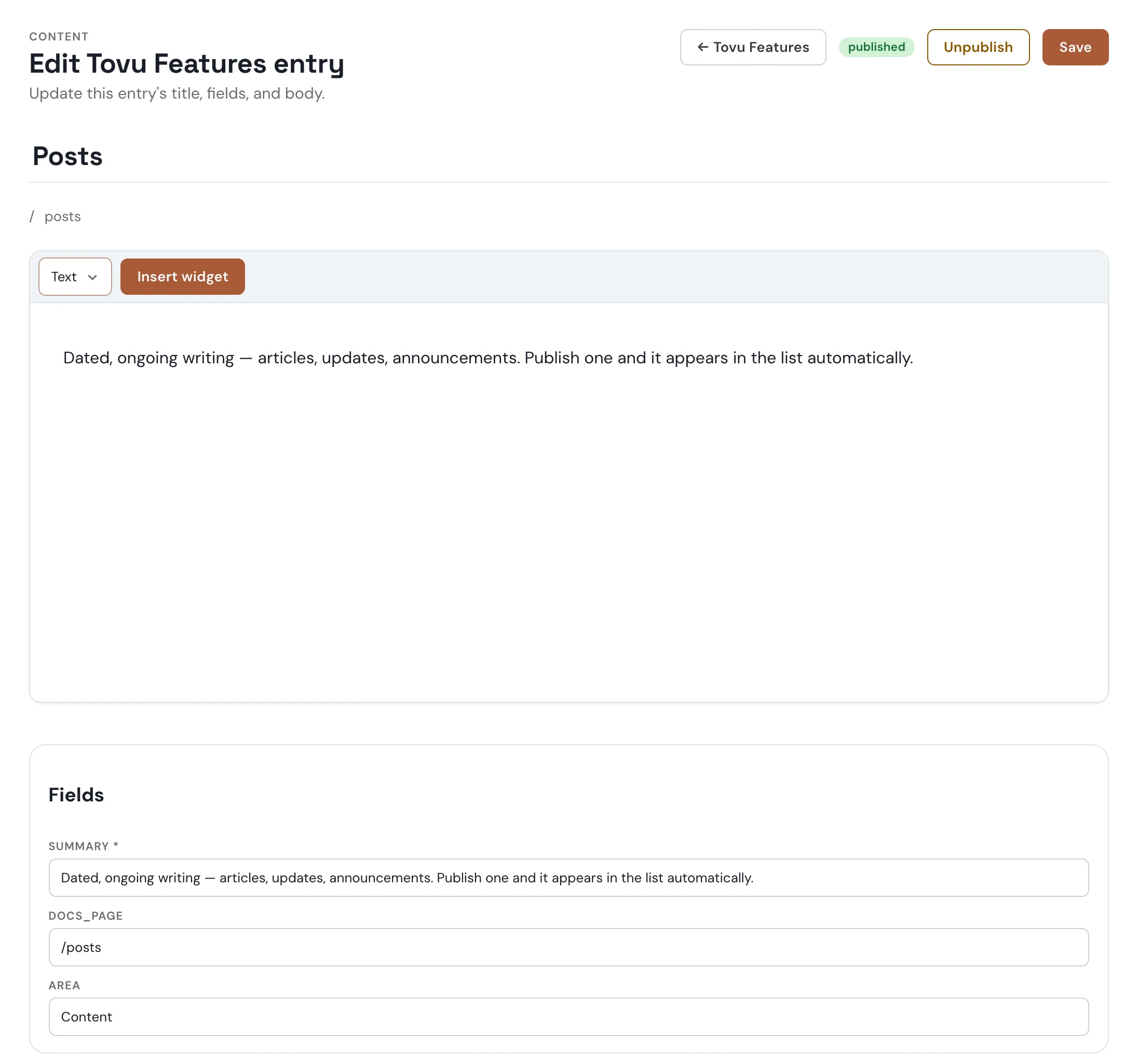
Tovu keeps its own feature list in a tovu_feature collection: one entry per shipped feature, each with a summary, a docs link, and an area.
Creating a collection
- Under Content → Collections, click New content type.
- Give it a label and a key, then add fields — each with a name, a kind, and whether it's required.
- Add field for more rows, then Create content type.
Adding entries
- Open the type's Manage entries, then New entry.
- Set a title and slug, write the body, and fill in each field.
- Save first — Publish appears once the entry is saved.
Showing entries on a page
Add a collection's published entries to any HTML page with a collection embed. On the Collections screen, each row has a Copy embed code button that copies the minimal marker for you:
<div data-embed-config='{"type":"collection","id":"tovu_feature"}'></div>Options
| Key | Default | What it does |
|---|---|---|
id | — (required) | the collection's key |
where | none | one or more {"field":"value"} pairs, exact match only |
sort | newest | newest, oldest, updated, title, a field name, or -field for descending |
limit | 6 | up to 24 |
layout | cards | cards or list |
columns | 3 | up to 6; cards only |
fields | every field | which of the type's own fields to show |
An unknown field name in where, sort, or fields, or an id that isn't a real collection, is rejected outright — the embed shows its own fallback content instead of an unfiltered list.
Laying it out yourself
Put a <template> inside the marker to write each entry's markup yourself, with {{title}}, {{date}}, {{url}}, and {{fields.<name>}} placeholders. Everything is HTML-escaped, and a placeholder used inside href or src is checked before it's used. {{url}} is empty for now — entries don't have their own page yet, so link a field instead, like docs_page below. Style the whole list with class or style on the marker's own tag; it stays as the list's wrapper.
This page's own feature list, live, each entry linking to its docs page:
<div data-embed-config='{"type":"collection","id":"tovu_feature"}'>
  <template><div class="feature-card"><h3><a href="{{fields.docs_page}}">{{title}}</a></h3><p>{{fields.summary}}</p></div></template>
</div>
Media
Your site's library of images and videos. Upload once, use anywhere.
Collections
Content that repeats with the same shape — many items, one row per entry, with the fields you choose.
Menus
The link lists in your header, footer, and sidebars. Change one and every page updates.
Forms
Let visitors send you something — a question, a signup, a request — without writing code.
Posts
Dated, ongoing writing — articles, updates, announcements. Publish one and it appears in the list automatically.
See Embeds for the full marker reference, including the default card and list look with no <template> at all.